2026 Open Enrollment (OE) Period
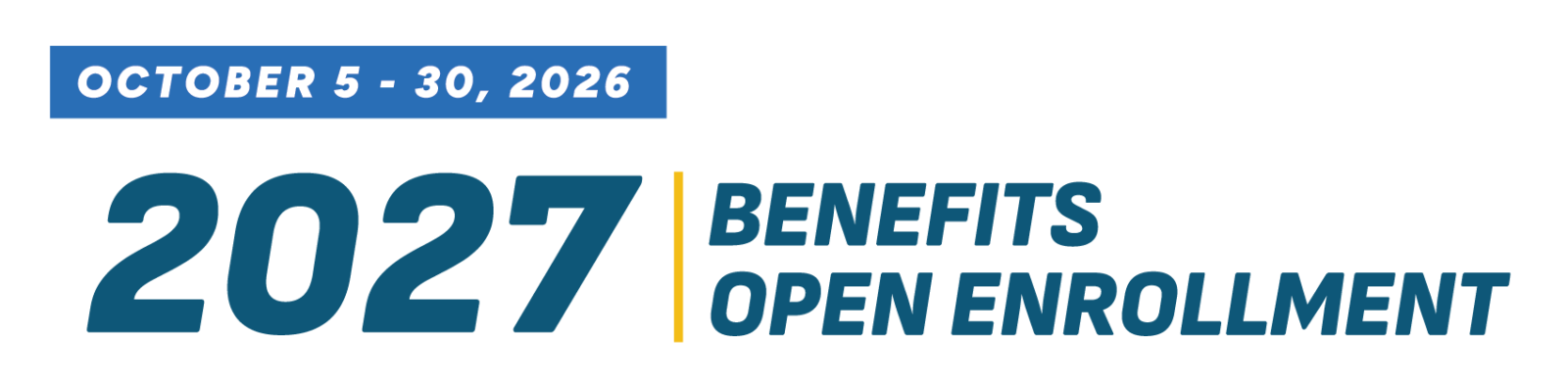
October 5 – October 30, 2026
Benefits Open Enrollment is now open.
From Monday, October 5, through Friday, October 30, 2026, you can review your current benefits and make any changes you would like for 2027. All elections must be submitted by 4:30p.m. on Friday, October 30. Changes made during Benefits Open Enrollment take effect January 1, 2027
Review and Decide
What You Need to Do: Take a few minutes to review your current elections and make any updates that fit your needs for the upcoming calendar year. For many benefits, your current coverage will continue automatically if no changes are made
Benefits in this group include:
- State Group Health Insurance (exception: High-Deductible Health Plan (HDHP requires enrollment in a Health Savings Account (HSA))
- Dental Insurance
- Vision Insurance
- Individual & Family Life Insurance
- Accidental Death & Dismemberment Insurance
- Accident Insurance
Benefits That Require Action Each Year
To participate in any of the benefits below in 2027, you must enroll again during Benefits Open Enrollment. If you do not re-enroll during open enrollment, your coverage in these plans will end December 31, 2026.
- Health Savings Account (HSA): required if you enroll in a High-Deductible Health Plan (HDHP)
- Flexible Spending Accounts (FSAs): Health Care, Limited Purpose, and Dependent Day Care Accounts
- Medical Insurance Opt-Out Incentive
Note: There is no annual open enrollment period for State Group Life Insurance, Individual & Family Life Insurance, or Income Continuation Insurance. You can apply for these benefits at any time. You will need to provide proof of good health, and your application must be approved before coverage can begin. Approval is not guaranteed.
Enroll
All enrollments and changes must be submitted by Friday, October 30, 2026, 4:30 p.m.
- Go to Workday
- From the Menu, select Personal
- Select Benefits and Pay
- Under Suggested Links, select My Benefits
Reminder: You must create a My Benefits account to access the benefits enrollment system called My Insurance Benefits. Creating an account is a one-time registration process that you must complete using your personal email address, prior to enrolling in your benefits
For instructions, see Set Up Account in My Benefits.
Resources
Helpful resources, including a Benefits Highlight video, the Insurance Benefits Decision Guide, benefit plan comparisons, and the schedule of onsite benefit fairs are available on the Benefits Open Enrollment web page.
For any questions after reviewing the available information, reach out to your Benefits Contact.
Thank you for taking the time to review your benefits and ensure your coverage meets your needs for the upcoming calendar year